Computer 10 Assignments for the first semester! Each grade 12 student is to use the links to create their projects. All of these projects are do by the end of the semester in a powerpoint electronic portfolio, which is to be given to the teacher in a flash drive. Everytime you finish a project, you are to print out its rubric and give the instructor the finished project on a flash. |
||||||||||||||||||||||||||||||||||||||||||||||
 The first assignment is to create your table of content. Click on the link below to get your information to create this project.
 The third assignment is to create a picture by using MS Word draw art. Click on the link below to get your information to create this project.
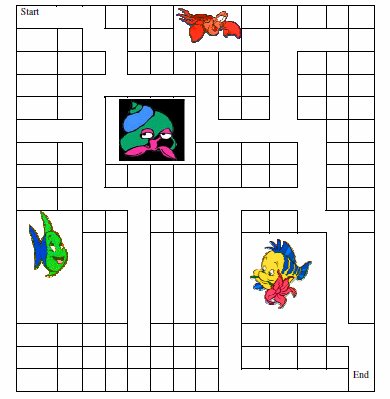 The fifth assigment is to create a Maze using MS Word. Click on the link below to get your information to create this project.
 The eighth assignment is making a game show using MS PowerPoint. Click on the link below or to the right to get your information to create this project. The 2003 worksheets below.
|
 The second assigment is to create a certificate of recognition in MS Word. Click on the link below to get your information to create this project.
 The fourth assigment is to create a informative document about World of Animals in MS Word. Click on the link below to get your information to create this project.
 The sixth assignment is to create a greeting card in Publisher. This will be done while you are doing your sixth assignment. Click on the link belwo to get your information to create this project.
 The seventh assigment is to create a an Aquarium in MS PowerPoint. Click on the link below to get your information to create this project.
The eighth assignment is making a game show using MS PowerPoint. Click on the link below for your 2007 worksheets for making a game show.
|
|||||||||||||||||||||||||||||||||||||||||||||

This free website was made using Yola.
No coding skills required. Build your website in minutes.
Go to www.yola.com and sign up today!
Make a free website with Yola
